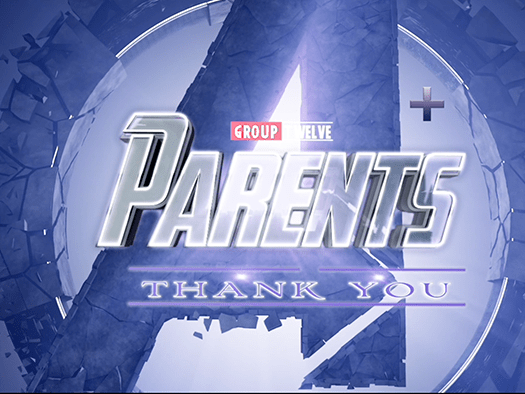
I was a volunteer youth group counselor at my church between 2014-2019, working with junior high students. Every year, the youth group held a “Parents Appreciation Night” where various small groups present something for the parents to say thank you. I always enjoyed working with the kids to make something creative and fun. In 2019, we were short in time, so we made a quick parody of the Avengers: Endgame trailer. The kids were willing to participate in this video by recording video & audio voiceovers with me last minute.
My youth group experience was a great one, and my heart will always have a place for youth students. I really enjoyed the kids’ enthusiasm, and the projects I were able to work on with them were always really fun and rewarding to do. A huge thank you to the YouTube channel Film Learnin for the title card template.
For about a year, since Fall of 2018, I have been an e-commerce graphic designer for Aduro Products. I was tasked to create some video content for a few products. I started with a branded logo animation.
This animation would be used in this promotional video I created for these two products:
made by Matthew Lau for Doughmain Financial Literacy Foundation GIFs made with Adobe After Effects & Instagiffer
After completing my undergraduate studies, I volunteered for a non-profit called DoughMain Financial Literacy Foundation. I created these GIFs for a social media Giving Tuesday campaign.
logo and branding belong to DoughMain Financial Literacy Foundation
During the first week of August, 2018, I had a chance to work with a few students to perform live-action skits for over 200 people at our church’s vacation Bible School. I made a version of Hannah Montana’s intro with them, using my own green screen and tripod for the videography.
During the first week of August, 2018, I had a chance to work with a few students to perform live-action skits for over 200 people at our church’s vacation Bible School. I made a version of Brooklyn Nine-Nine’s intro with them, and it was a great learning tool to advance my After Effects skills.
My good friend Alex recently took on the task of promoting an event at our church. Our goal was simply to overuse the phrase “Christian Education Day” and exaggerate it with humor. We did this by parodying a bunch of TV shows, including “Wheel of Fortune,” “Man vs. Wild,” and others. Again, lots of green screen work!
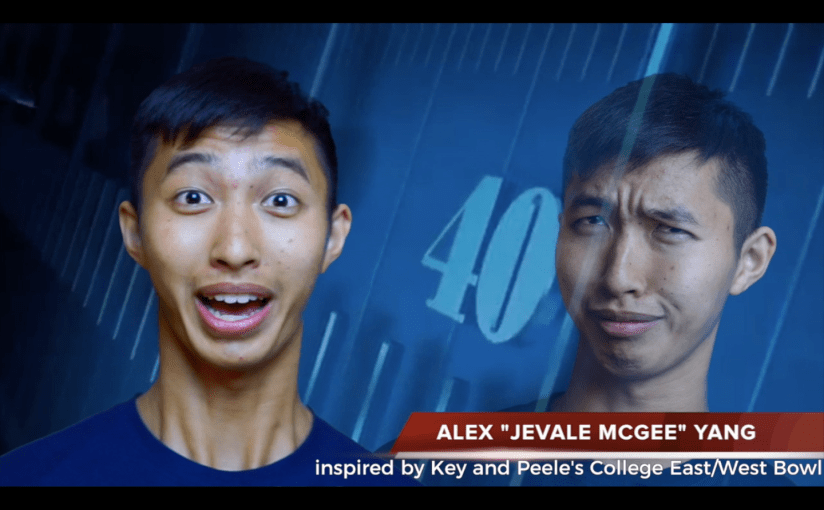
The video for day 2 is a fun project I worked on for college fellowships graduating class. It’s inspired by Key and Peele’s East/West Bowl video, from Comedy Central. I had a lot of fun making this, so I decided to write a quick tutorial from my experience below:
you can use this link, or just find one on YouTube somewhere.
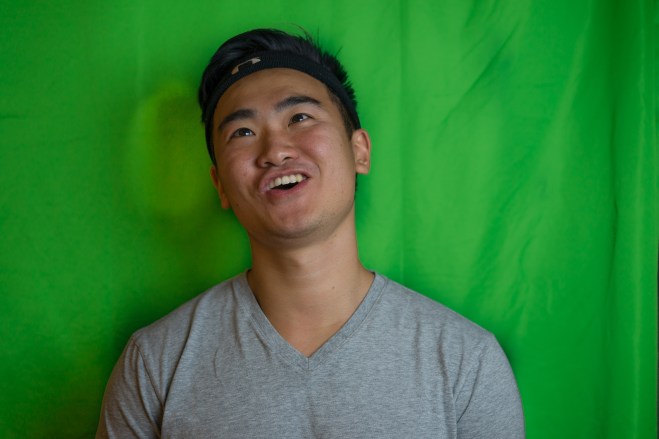
Set up a green screen AND
take a video of subject saying “[First Name] [Nickname] [Last Name], [Area of Study].”
*** I highly suggest using a tripod when shooting this video. Any camera shake can make the green screen video footage look very off ***
***Also, avoid my mistake and iron/steam the green screen, it makes life much easier during editing***
My two cents: film better, save time editing later.
take a still photo of a goofy pose
So the green screen “chroma key” is where it’s important because video editing programs can take care of pretty much the rest. I’ll let pros do the teaching, here are two helpful links:
At this point, once you figure out how to get rid of the green background correctly, it’s just basic stitching together.
A. Base layer: background video
B. Still photo layer: add some opacity (transparency) and place on one side
C. Video layer: place on other side
D. Text: add a sports “lower third” text
Result:
***As you can see, the green screen editing wasn’t PERFECT on this one, mostly because of uneven lighting during camera and the wrinkled green screen. However, thankfully, the video goes so quickly it’s not too noticeable. PLUS, this was just a non-professional video for my fellowship graduating class!***
Anyway, that’s a quick run-though of my process when making this video last year. It was really fun, and I’m very proud of the result. But most importantly, I was able to use the this opportunity to spend with each individual shown in the video while filming. Plus, I’ll always be able to look back at this video and bask in the nostalgia.
Creating video with friends is always a fun thing to do, especially when my mindset has been to enjoy spending time with them. That was the same for my bloom of portrait photography during my time at Rutgers.
Feel free to ask my any questions regarding how I did this. Thanks for reading!
***featuring my CCF graduating class of 2017; special shoutout to Jon in the tutorial and Alex in the thumbnail, and Jas in the intro sports commentator scene. ***










 Matthew Lau